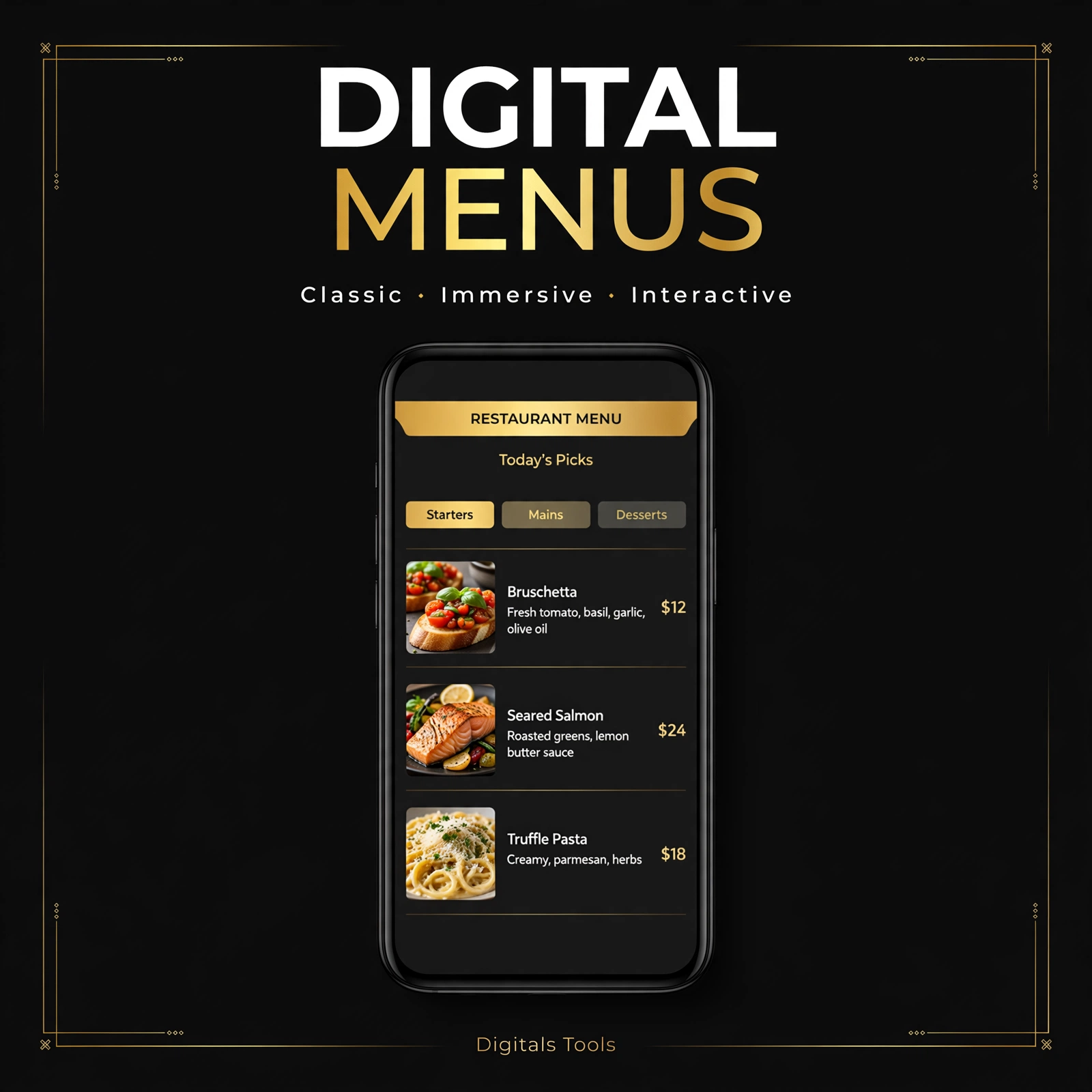
Classic Menu
Your menu as it already is, exactly as you designed it, published inside your digital card so customers open it in one tap.
- Perfect if you already have a printed or photo menu you love
- Customers open it from your QR, your NFC or your link
- No reprinting: update it whenever you want
$35per month
(You can cancel the service at any time)
Immersive Menu
The dish-by-dish experience: your customer taps a dish name and sees its photo or video up close; swipe to move to the next dish, like a showcase of your kitchen.
- Every dish with its photo or video, name and price
- Built to make people hungry: customers browse by swiping
- Edit dishes, photos and prices with taps from your phone
$35per month
(You can cancel the service at any time)
Interactive Menu by food type
Configurators built for your kind of food: your customer builds their order by tapping options — size, ingredients, extras — in a menu designed for your category.
- 14 food types ready: burgers, tacos, pizza and more
- Customers explore combinations and prices by tapping, no need to call and ask
- Adds to your card just like the other formats
$35per month, per food type
(You can cancel the service at any time)
The Interactive Menu ships with configurators designed for each food type. These are the 14 available today:
1Have your digital card
Menus live inside your Digitals Tools digital card. If you don't have yours yet, get it first: your single link with QR and NFC, for $25/month.
2Enable your menu in the Creator
In your card's Creator you pick the format you want — Classic, Immersive or your Interactive food type — and your secure payment link is generated right there.
3It activates when paid
As soon as your payment is confirmed, the format turns on in your card and you get an email with access to your personal menu editor.
4Edit with taps
From your phone you change dishes, photos and prices by tapping inside your own menu card: name and price in big fields, photo from your gallery. No links to paste.
Do I need the digital card to have a menu?
Yes. Menus add to your active digital card and open from your same QR and link. If you don't have a card yet, get it first and add your menu in the same Creator.
How much does each menu cost?
$35 a month per format. The Classic is $35/month, the Immersive is $35/month and each Interactive food type is $35/month. Enable just one or several, depending on what your business needs.
How do I pay for my menu?
From your card's Creator: you enable the format and the Creator generates your secure card payment link. Once the payment is confirmed, your menu activates automatically on your card.
Can I change dishes and prices myself?
Yes. Your menu editor works with taps from your phone: tap the dish, change the photo from your gallery, adjust name and price, and save. No links to paste and no waiting on anyone.
Can I cancel whenever I want?
Yes. It's a month-to-month service and you can cancel at any time; the format turns off when the subscription is cancelled.